
What Is Contact Relationship Management Software for Businesses?
Understand contact relationship management software, its features, benefits, and role in B2B lead management. Learn how it differs from CRM and helps businesses organize customer relationships.
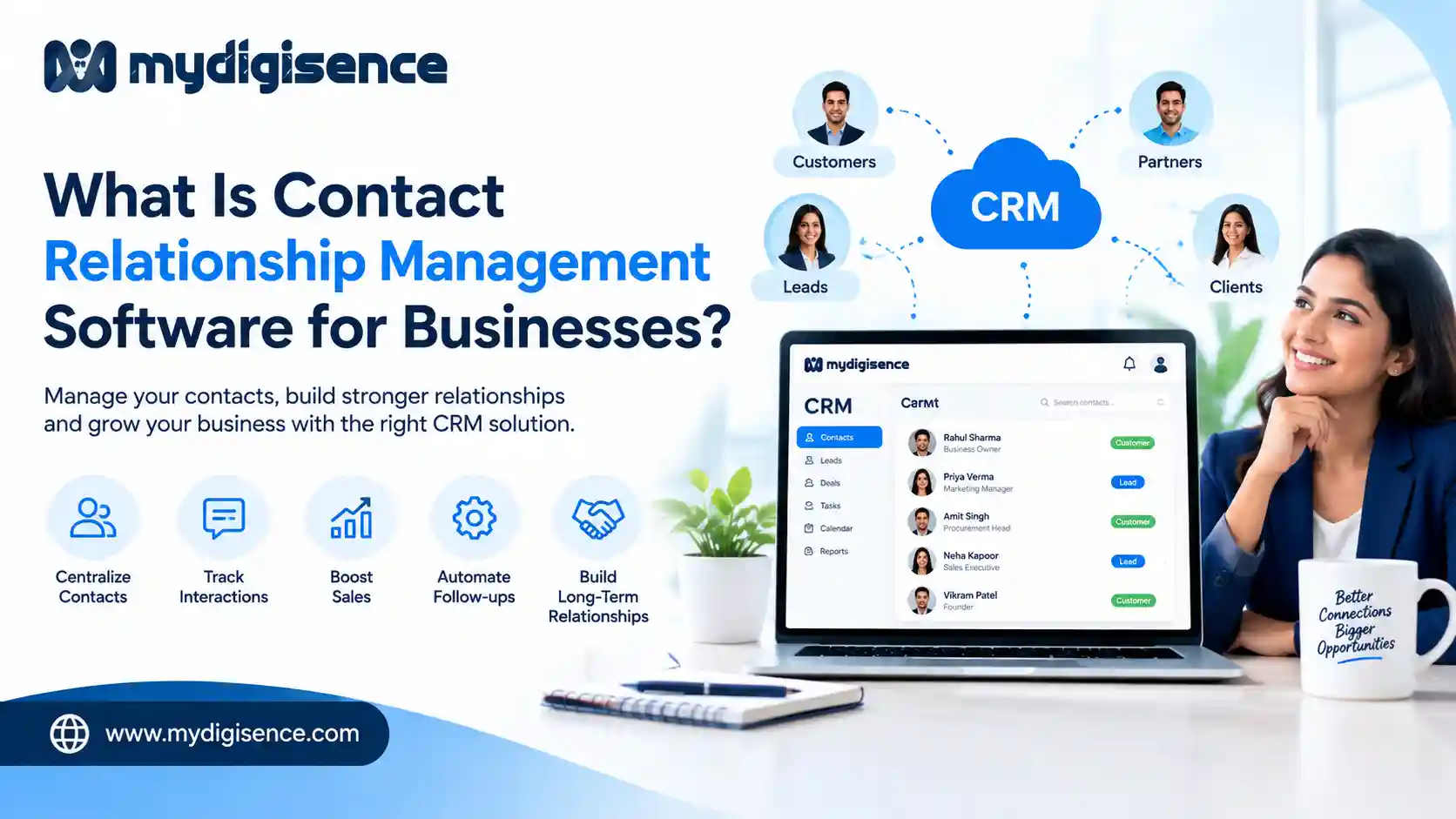
Contact Relationship Management Software for Businesses
Contact relationship management software helps businesses organize customer information, track interactions, manage inquiries, and maintain professional relationships in one centralized system. It makes it easier for sales teams, service providers, and business owners to communicate with customers and follow up on potential opportunities.
In business software, contact management is commonly part of Customer Relationship Management (CRM). While contact management focuses on organizing people and communication records, CRM software also supports sales pipelines, lead tracking, customer service, reporting, and business growth.
For startups, small businesses, B2B companies, and independent professionals, these tools can reduce scattered information and improve customer communication.
Manoj Fauzdar - IT & Marketing Professional: With 11+ years of experience across technology, software development, sales, and business operations, I bring a unique combination of technical expertise and business perspective.
What Is Contact Relationship Management Software? (Quick Answer)
Contact relationship management software is a digital tool that helps businesses store contact details, organize customer records, track communication history, manage follow-ups, and maintain relationships with leads, clients, and business partners. It typically forms part of a Customer Relationship Management (CRM) system, which adds sales pipeline management, automation, analytics, and customer engagement features.
For example, a software development company can use a CRM system to record inquiries, assign leads to sales representatives, schedule follow-ups, and monitor potential projects.
The objective is to ensure that important customer information and business opportunities are not lost.
How Does Contact Relationship Management Software Work?
Contact relationship management software collects and organizes information about customers, prospects, and business partners.
Instead of maintaining separate spreadsheets, notebooks, and messaging records, businesses use a centralized contact database.
A typical workflow includes:
Contact creation: Add customer names, phone numbers, email addresses, and company information.
Lead capture: Record inquiries received through websites, forms, email, or supported integrations.
Contact segmentation: Organize contacts by industry, location, customer type, or business requirements.
Interaction tracking: Record calls, emails, meetings, notes, and previous conversations.
Follow-up management: Assign tasks and schedule reminders.
Sales pipeline tracking: Monitor leads from initial inquiry to successful conversion.
Performance analysis: Review lead activity, sales progress, and customer engagement.
This structured process helps teams understand their customer relationships and identify the next action required.
Key Features of Contact Relationship Management Software
1. Centralized Contact Database
A contact database stores customer and business information in one accessible location.
Common details include names, company names, phone numbers, email addresses, job titles, communication preferences, and previous interactions.
This reduces duplicate records and helps authorized employees access relevant information.
2. Lead Management
Lead management helps businesses organize potential customers from their first inquiry through qualification and follow-up.
Sales teams can identify interested prospects, assign responsibilities, and prioritize promising opportunities.
For B2B businesses, this is particularly useful because purchasing decisions may involve multiple conversations and decision-makers.
3. Contact Segmentation
Contact segmentation allows businesses to group contacts based on shared characteristics.
For example, a digital marketing agency may organize contacts into startups, manufacturers, retailers, and professional service providers.
This makes communication more relevant to different customer groups.
4. Communication and Interaction Tracking
CRM systems can maintain records of emails, calls, meetings, messages, and customer discussions.
Having this history helps employees understand previous conversations without repeatedly asking customers for the same information.
5. Task and Follow-Up Management
Missed follow-ups can result in lost business opportunities.
Contact relationship management software can help teams schedule callbacks, create reminders, and assign tasks to specific employees.
6. Sales Pipeline Management
A sales pipeline represents the stages a potential customer passes through before becoming a paying customer.
Typical stages include:
New Lead → Contacted → Qualified → Proposal Sent → Negotiation → Won or Lost
Pipeline tracking helps businesses understand which opportunities require attention.
7. Workflow Automation
Some CRM systems automate repetitive activities such as follow-up reminders, lead assignment, email notifications, and status updates.
Automation can reduce manual work, although the available capabilities depend on the software and subscription plan.
8. Reporting and Analytics
CRM reporting helps businesses evaluate lead sources, response times, conversion rates, sales performance, and customer activity.
These insights can support better decisions about marketing and sales operations.
Contact Management Software vs. CRM Software: What's the Difference?
Although these terms are closely related, they are not identical.
Feature | Contact Management Software | CRM Software |
|---|---|---|
Store contact details | Yes | Yes |
Organize contact records | Yes | Yes |
Record interactions | Usually | Yes |
Manage sales pipelines | Limited or unavailable | Common |
Lead management | Basic or limited | Common |
Workflow automation | Limited | Often available |
Sales reporting | Basic | Often more advanced |
Customer relationship strategy | Contact-focused | Broader business-focused |
The main difference: Contact management software focuses on organizing contact information, while CRM software supports the wider process of attracting, converting, serving, and retaining customers.
Businesses should select a system based on their operational needs rather than the software category alone.
Why Do Businesses Need Contact Relationship Management Software?
Improve Customer Communication
A centralized system makes it easier to access customer information and respond with relevant context.
Reduce Missed Business Opportunities
Follow-up reminders and lead tracking help businesses maintain communication with interested prospects.
Improve Team Collaboration
Sales, marketing, and customer support teams can work with shared information when appropriate permissions are configured.
Support Long-Term Customer Relationships
Access to previous interactions can help businesses provide consistent service and understand customer requirements.
Organize Business Operations
Instead of switching between disconnected spreadsheets and messaging tools, businesses can manage customer-related activities more systematically.
Who Should Use Contact Relationship Management Software?
Contact relationship management software can support organizations of different sizes.
Small businesses: Manage customer inquiries, appointments, and follow-ups.
Startups: Organize early customer relationships and sales opportunities.
B2B companies: Track buyers, suppliers, distributors, and corporate accounts.
Digital marketing agencies: Manage client communication, proposals, and ongoing projects.
Software development companies: Track project inquiries, potential clients, and business discussions.
Manufacturers and wholesalers: Maintain buyer relationships and follow up on product inquiries.
Freelancers and consultants: Organize prospective clients, service requests, and professional connections.
How Contact Relationship Management Supports B2B Lead Generation
B2B lead generation does not end when a potential customer submits an inquiry.
Businesses must qualify the inquiry, understand the buyer's requirements, communicate effectively, and maintain follow-ups.
A CRM system supports this process by connecting contact information with sales activities.
For example, when a manufacturer receives an inquiry from a distributor, the sales team can record the requirements, schedule a discussion, send a quotation, and track the opportunity.
This creates a more organized sales process.
Explore Verified IT & software engineering professionals on MyDigiSence — compare profiles, reviews and services.
Contact Relationship Management vs. Lead Management
Contact relationship management and lead management are connected but serve different purposes.
Contact relationship management focuses on maintaining organized records and interactions with people or organizations.
Lead management focuses on tracking potential customers through qualification, follow-up, and conversion.
For example, a business may maintain records for existing customers, former clients, vendors, and potential buyers.
Only some of these contacts are active sales leads.
A CRM system can help businesses manage both groups without treating every contact as a sales opportunity.
What Is the Role of AI in Modern CRM Software?
Artificial intelligence is becoming increasingly relevant to customer relationship management.
Depending on the software, AI-powered CRM features may include:
Automatic contact data enrichment
Lead scoring and prioritization
Email drafting assistance
Conversation summaries
Customer segmentation suggestions
Sales forecasting
Automated customer support assistance
AI can help employees process information and identify patterns, but businesses should review automated recommendations and protect sensitive customer information.
Not every CRM product includes these capabilities.
How to Choose Contact Relationship Management Software for Your Business
Selecting the right software requires evaluating both current requirements and future growth.
Identify Your Business Requirements
Determine whether you primarily need contact storage, inquiry management, sales tracking, or a complete CRM system.
Check Ease of Use
A complicated system can discourage employees from updating records consistently.
Choose software that matches your team's technical abilities.
Evaluate Integrations
Consider whether the system connects with your existing email, website forms, calendars, messaging tools, and other business applications.
Review Data Security
Look for access controls, data backup options, encryption, and clear privacy policies.
Businesses handling personal information should also consider applicable data protection requirements.
Compare Pricing and Scalability
Review subscription costs, user limits, contact limits, automation restrictions, and available upgrades.
The right software should support business growth without introducing unnecessary complexity.
Common Mistakes Businesses Make When Using CRM Software
Even a well-designed CRM system requires proper management.
Common mistakes include:
Adding incomplete contact information
Creating duplicate customer records
Failing to update lead statuses
Ignoring follow-up reminders
Giving unnecessary access to sensitive data
Collecting information without a clear purpose
Choosing complicated software without proper training
Businesses should establish simple processes for maintaining accurate records and managing customer information responsibly.
Conclusion
Contact relationship management software helps businesses organize customer information, track interactions, manage follow-ups, and build stronger professional relationships.
For businesses that need additional sales and operational capabilities, a complete Customer Relationship Management (CRM) system can provide lead management, sales pipelines, automation, and reporting.
The best solution depends on the size of the business, its customer communication needs, and its sales processes.
Businesses looking for technical assistance with CRM development or implementation can explore relevant IT and software professionals through MyDigiSence, compare available services, and connect with suitable providers.
Frequently Asked Questions
What is contact relationship management software?
Contact relationship management software helps businesses organize contact details, track communication, manage inquiries, and maintain relationships with customers, prospects, and business partners.
Is contact relationship management the same as CRM?
The terms are related, but CRM usually means Customer Relationship Management. Contact management is generally a component of CRM, while full CRM systems may also provide sales pipelines, automation, analytics, and customer service tools.
What are the main features of contact management software?
Common features include contact databases, customer records, communication history, contact segmentation, search, notes, reminders, and task management.
What is the difference between CRM and a contact database?
A contact database primarily stores information about people and companies. A CRM connects that information with customer interactions, sales opportunities, and business processes.
Can small businesses use CRM software?
Yes. Small businesses can use CRM tools to organize customer inquiries, schedule follow-ups, improve communication, and maintain professional relationships.
Is CRM software useful for B2B businesses?
Yes. B2B companies can use CRM systems to track corporate buyers, manage multiple decision-makers, monitor sales opportunities, and maintain long-term business relationships.
Does contact relationship management software use AI?
Some modern CRM systems use AI for lead scoring, communication summaries, forecasting, data enrichment, and workflow assistance. Features vary by provider.
How can MyDigiSence help businesses find CRM professionals?
MyDigiSence helps businesses discover IT and software professionals, compare available services and profiles, and connect with providers who may offer CRM development, implementation, or related technical services.
Visit Also: Importance of Software Development in Business
Our Social Account:
Written by
Shivam Thakur
Oct 16, 2026
More from the blog

Role of B2B Listing in Food and Beverage Business
Discover how B2B listings help food and beverage businesses improve online visibility, showcase products, connect with suppliers and distributors, and generate business enquiries through MyDigiSence.
Best Business Listing Platform for Sports Business
Discover why MyDigiSence is a useful business listing platform for sports academies, gyms, sports clubs, fitness trainers, and equipment suppliers looking to improve visibility and attract customers online.